











Managing your money on a betting platform should be straightforward. Easywin provides Nigerian players with a payments section that covers deposits, withdrawals, and balance management in one place. Understanding how each option works - and what to expect at each stage - helps you move funds without unnecessary delays or surprises.
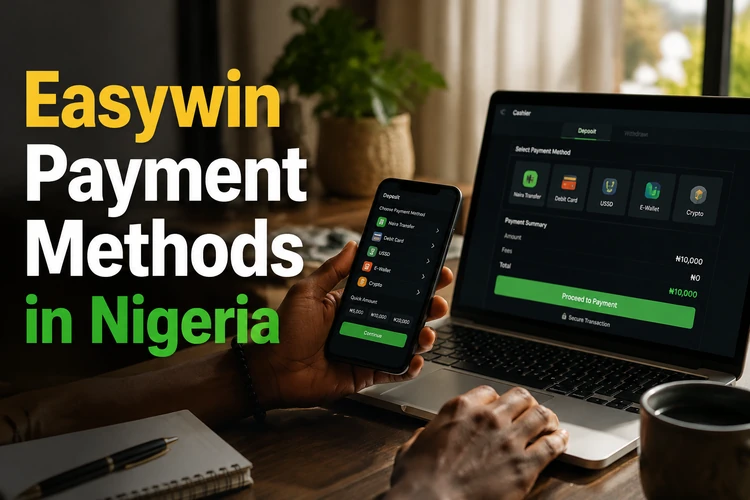
Payment Methods Overview
Easywin may present several categories of payment, including direct bank transfers, mobile money services, and digital wallet options. Each has its own processing flow, so the suitable choice depends on the services you already use for everyday banking in Nigeria.
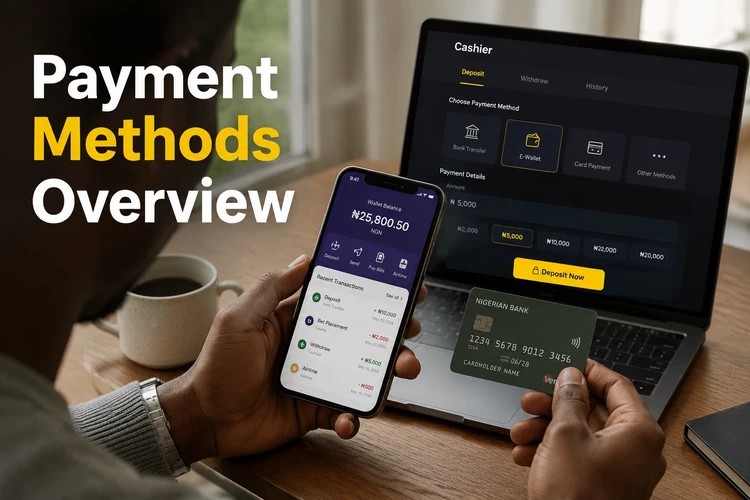
The table below summarises the main categories available on the platform. Specific providers depend on the options active in your account at any given time, so check the cashier for the current list before starting a transaction.
| Category | Common use case | Typical direction |
|---|---|---|
| Bank transfer | Transfers from a Nigerian bank account | Deposit and withdrawal |
| Mobile money | Payments through mobile wallet apps | Deposit and withdrawal where supported |
| Digital payment services | Third-party payment processors | Deposit where supported |
| Platform wallet | Internal balance management | Both |
Making a Deposit
Adding funds to your Easywin account starts in the cashier area after you log in. Select the deposit option and choose a payment method. The screen will show the details needed to complete the transfer, such as an account number, reference, or redirect to a payment page.
Once the transfer is initiated through your bank or wallet, the balance should update after the payment network confirms it. If it does not, check your bank statement first to confirm that the money left your account, then keep the transaction reference ready for support.
- Step 1: Open the cashier section and select Deposit.
- Step 2: Choose a payment method from the available list.
- Step 3: Enter the amount and check the details on screen.
- Step 4: Complete the payment in your bank or wallet app using the supplied reference.
- Step 5: Return to your account and verify that the balance has updated.
Withdrawing Your Funds
To request a withdrawal, open the cashier and select the withdrawal option. Enter the amount and destination, usually a bank account registered in your name. The name on the receiving account should match the name on your Easywin account; a third-party account can lead to rejection or additional checks.
Before submitting a withdrawal request, confirm that your account verification is complete. A request may remain pending while documents are reviewed. Make sure the account number and bank details are accurate, and save the confirmation reference after submitting the request.
- Step 1: Go to the cashier and select Withdraw.
- Step 2: Enter the withdrawal amount.
- Step 3: Confirm that your bank details are correct and match your registered name.
- Step 4: Submit the request and note the confirmation reference.
- Step 5: Check transaction history for status updates while the request is processed.
Minimum Withdrawal and Transaction Limits
Easywin applies a minimum withdrawal amount, and the exact figure is displayed in the cashier when you request a withdrawal. Attempting to enter a smaller amount may produce an error, so check the current limit before submitting.
Limits can reflect requirements set by payment processors as well as operational costs associated with small transfers. If your balance is below the displayed threshold, avoid repeated failed attempts and review the account instructions. Do not rely on an old figure copied from another page, because limits and payment conditions can change.
Nigerian Bank Transfers
Bank transfer is familiar to many Nigerian users and can be completed through a banking app or, where available, USSD. When the cashier supplies account details, treat the payment like any other inter-bank transfer and include the reference number exactly as shown. Check the recipient information carefully before confirming.
For withdrawals, processing depends on the platform’s review and the receiving bank’s clearing process. Keep the registered account number and bank details current. A single incorrect digit can send funds to the wrong destination or require a lengthy recovery process.
Mobile Payment Services
Nigerian mobile payment services are convenient when they appear among the methods enabled for your account. Where supported, a mobile wallet can let you complete a deposit without opening a traditional banking app. The cashier is the reliable source for current availability; do not assume that a particular provider is supported.
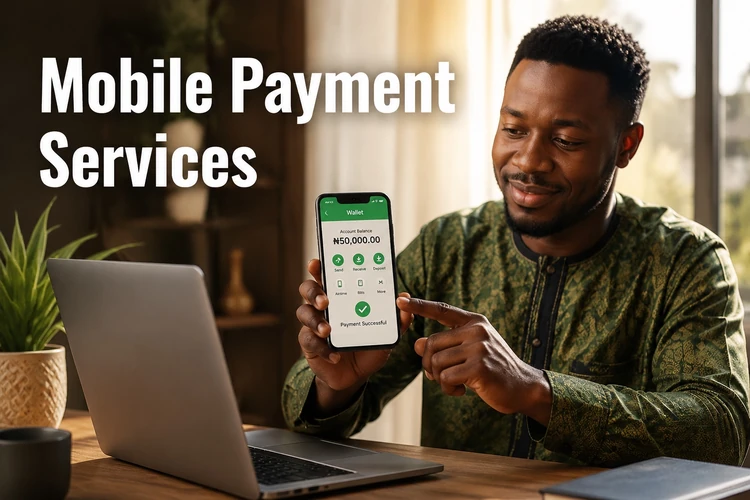
Third-party processors may appear during a card or bank payment if Easywin routes the transaction through them. Their name may be visible on the confirmation page, but availability and payment direction should be confirmed in the cashier before you begin.
Your Account Wallet and Transaction History
Your Easywin wallet is the internal balance connected to your account. Deposits, withdrawals, bets, and payouts are recorded there. The transaction history normally shows the amount, direction, method, and status of each entry, making it the first place to check when a payment appears to be missing.
Review your history regularly and compare it with your bank or wallet records. Keep confirmation messages and references until the transaction is fully resolved. If an entry does not match your records, contact support promptly and avoid making duplicate payments while the first one is being investigated.
Account Verification and Payment Security
Payment verification can involve KYC checks, especially before a first withdrawal or when an account requires additional review. You may be asked for an identity document and, where applicable, proof of address. Follow the instructions shown in your account and submit clear, valid documents through the designated secure channel.
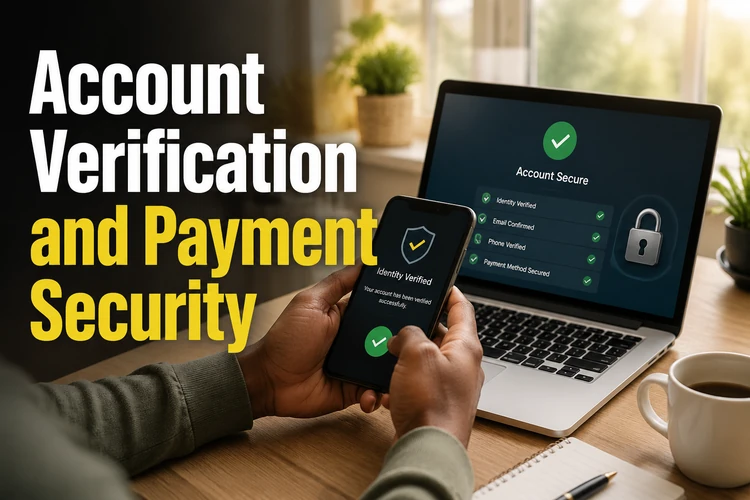
Use only payment accounts that you own and control. Never share your password, one-time codes, or banking PIN with another person or with someone claiming to represent support. Access the site over a trusted connection, sign out on shared devices, and change your password promptly if you notice unfamiliar activity.
Common Payment Issues
A declined deposit may result from an incorrect reference, insufficient funds, a bank rejection, or a payment method that is temporarily unavailable. Do not immediately repeat the payment. First check whether the amount was debited, then record the time, amount, and reference.
A pending withdrawal should be checked in transaction history before support is contacted. If the status does not change, provide the relevant reference and avoid cancelling or resubmitting the request unless instructed. This gives the support team enough information to trace the original transaction.
Before You Make a Withdrawal
- Confirm that your identity checks are complete.
- Use a bank account in the same name as your Easywin account.
- Check the current minimum and any displayed payment limits.
- Review the destination account number before submitting.
- Save the request reference and monitor its status.
Responsible Financial Management
Set a clear budget before depositing and keep gambling funds separate from money needed for everyday expenses. Use your transaction history to track spending over time rather than relying on memory. If gambling becomes difficult to control, review the responsible gambling tools available to you and consider taking a break.
Only use payment methods you own. Keeping your personal details accurate, storing transaction records, and resolving discrepancies early can reduce avoidable payment problems. Never deposit money that you cannot afford to lose.
FAQ
The cashier may offer bank transfers, mobile payment services, and other digital payment options. The exact methods available to you are shown in your account and can vary over time.
Log in, open the cashier, and select Deposit. Choose an available method, enter the amount, and complete the transfer using the details or redirect provided. Check your balance after the payment is confirmed.
Open the cashier, select Withdraw, enter the amount, and confirm a destination account in your own name. Submit the request and use transaction history to monitor its status.
The current minimum is displayed in the cashier when you create a withdrawal request. Check it at the time of payment because limits may change.
A mobile wallet can be used if it appears among the payment methods enabled for your account. Check the cashier before starting and make sure the wallet belongs to you.
Bank transfer may be available for deposits, withdrawals, or both, depending on the options shown in your cashier. Use the supplied account details and reference exactly as displayed.
A third-party processor may appear during a deposit if it is being used for the selected payment route. Follow the cashier instructions and confirm the payment page before authorising the transaction.
Verification may be required before a withdrawal is processed. Follow the KYC instructions in your account and submit clear documents through the approved channel.
Open the cashier, select Withdraw, enter the amount, and provide an eligible personal bank account. Check the details carefully, submit the request, and save its reference.
Check the payment details, available funds, reference, and current method availability. If the account was debited, do not repeat the payment; keep the reference and contact support.
Check your bank or wallet statement and review the transaction status in your Easywin history. If the payment was debited or remains pending, contact support with the amount, time, and transaction reference.
Use only payment methods in your own name, keep your password and one-time codes private, use a trusted connection, and report unfamiliar transactions as soon as you notice them.