











Your Easywin account lets you manage bets, check results, and review account activity. Signing in takes only a few steps when you know which details to use. This guide covers first-time access, password recovery, mobile login, and simple ways to protect your account.
Use the official login page on easywins-nigeria.com rather than an unfamiliar form. Saving the page as a bookmark can reduce the chance of following a misleading link. Never enter your password on a page whose address looks different from the expected site.
Easywin Login Page
The login page is the form used to access an existing account. It normally asks for the identifier used during registration, such as a phone number or username, together with the account password. You can open it from the website header on a desktop, tablet, or smartphone.
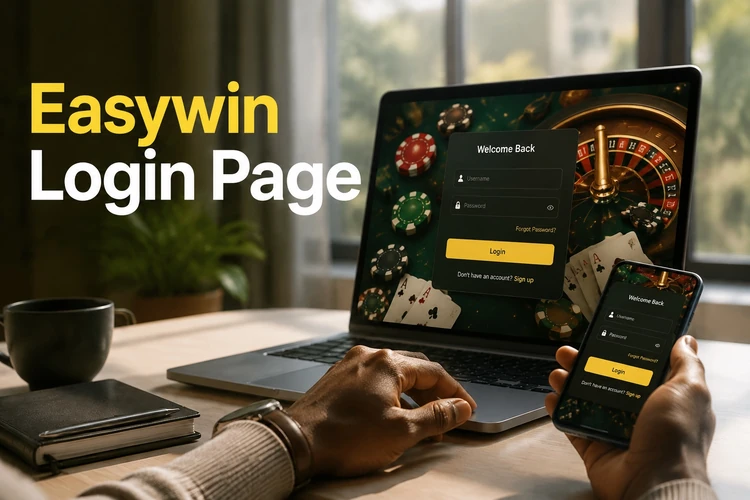
The website and mobile app use the same basic account details, although the layout can differ by device. If an extra verification prompt appears, follow the instructions shown on the screen and avoid repeating failed attempts until you have checked the details.
How to Log In to Easywin
Follow these steps for a normal sign-in:
- Step 1: Open the official website or launch the Easywin app.
- Step 2: Select the login option.
- Step 3: Enter the phone number or username registered to your account.
- Step 4: Type your password carefully, checking capitalisation and spaces.
- Step 5: Press the sign-in button and wait for your dashboard to load.
After signing in, check that the account information shown belongs to you before continuing. If the page takes too long to respond, check your connection, close unused browser tabs, and try once more. Avoid submitting the form repeatedly on a slow network.
Choosing and Managing Your Password
Use a long, unique password that does not contain your name, date of birth, phone number, or another detail that people can guess. Do not reuse the same password on email, social media, or payment accounts.
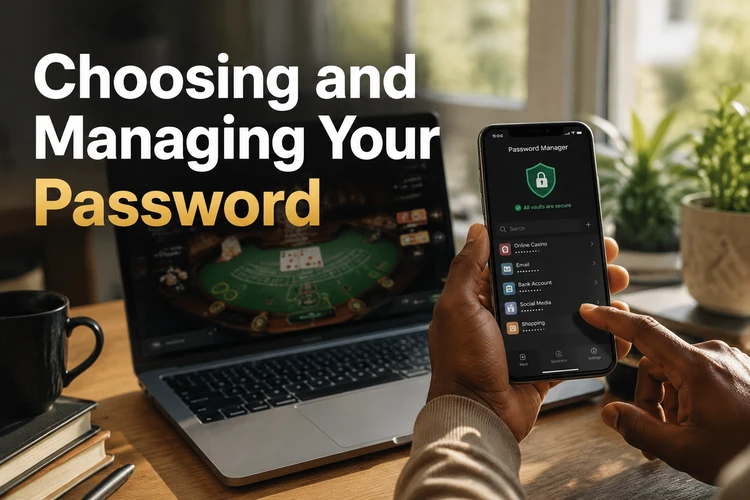
A reputable password manager can create and store a different password for each service. If you write down a recovery detail, keep it somewhere private and protected. Common input mistakes include Caps Lock, an old saved password, or an unwanted space copied with the password.
Resetting Your Password
If you cannot remember your password, use the recovery option displayed on the login page instead of creating another account. Enter the account information requested and follow the verification instructions provided by the platform.
Once the reset is complete, create a new password that you have not used elsewhere. Return to the login page, enter the updated details manually once, and save them only on a personal device protected by a PIN or biometric lock.
Creating a New Easywin Account
New users must complete registration before they can sign in. The form may ask for a valid Nigerian phone number, a password, and acceptance of the platform terms. You must be 18+ to open an account.
Check every detail before submitting the form. If a confirmation step is requested, complete it using the instructions sent to the contact details you provided. After activation, use the same registered identifier and password on the login page. Review the terms and any account conditions before making a deposit or placing a bet.
Logging In on Mobile Devices
The mobile version of the site adapts the login form to a smaller screen, so it can be used from a smartphone browser. The Easywin app provides another mobile route where available; download it only from the official source and check that the publisher and permissions are appropriate.
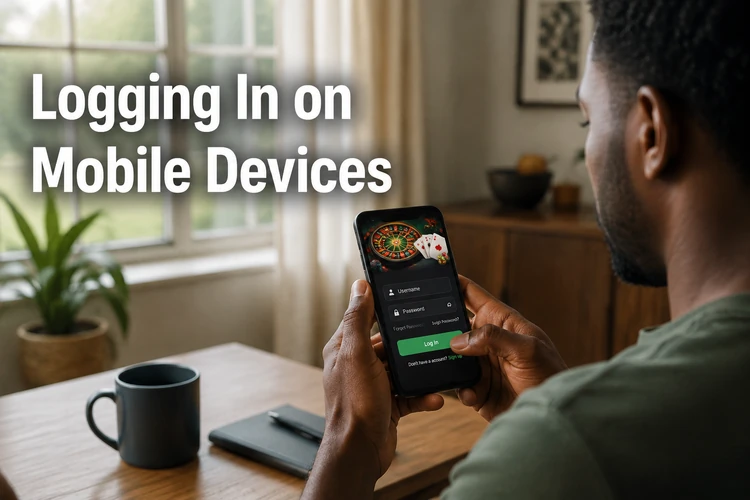
Open the app or mobile site, enter your registered details, and check that the phone is protected with a screen lock. Do not enable password saving on a shared phone. If another person uses the device, sign out when you finish and remove any saved credentials.
Troubleshooting Login Problems
Most failed sign-ins have a simple cause. Work through these checks before contacting support:
- Wrong password: Re-enter it slowly and use the reset option if you are no longer sure it is correct.
- Forgotten details: Use the recovery process rather than registering a second account.
- Inactive account: Contact support through the contact page if you suspect the account has been restricted or closed.
- Browser cache: Clear cached files and cookies, reopen the browser, and try again.
- Unstable connection: Switch between Wi-Fi and mobile data or wait until the signal is more reliable.
- Outdated app: Check for an available update from the official source before retrying.
When reporting a problem, describe the error and provide the registered phone number only through an official support channel. Support staff should not need your password, PIN, or one-time verification code.
Keeping Your Account Secure
Use a separate password, keep your phone and browser updated, and avoid signing in through links sent by unknown people. Check the address bar before entering details, particularly when using a public Wi-Fi network.
On a shared or borrowed device, do not allow the browser to save your credentials. Sign out fully when finished and close the browser window. Set personal spending limits and review the available responsible gambling guidance if betting stops feeling controlled.
Registration vs Login vs Password Reset
Registration creates a new account and is normally completed once. Login verifies the details of an existing account each time you want to use it. Password reset is a recovery process for an account whose password has been forgotten or needs to be replaced.
If you already have an account, resetting the password is usually more appropriate than registering again. Keep your contact details current so that account recovery instructions can reach you when needed.
FAQ
Open the official website or app, select the login option, and enter the phone number or username registered to your account. Type your password carefully, then press the sign-in button. If the dashboard does not load, check the connection and confirm that the details were entered without extra spaces.
You can reach the login page from the website header on a phone or computer. Use the official easywins-nigeria.com address and avoid unfamiliar copies. The mobile app has its own sign-in screen, but you should download the app only from an official source.
Select the password recovery option on the login page and provide the account information requested. Follow the verification instructions shown by the platform, then create a new, unique password. Return to the login screen and use the updated details rather than registering another account.
Yes, where the official app is available, it provides a mobile sign-in screen. Open the app, enter your registered identifier and password, and select the login button. Keep your phone protected with a PIN or biometric lock, and sign out if other people use the device.
Choose the registration option, provide the requested Nigerian contact details, create a password, and review the terms before submitting the form. Complete any confirmation step shown on screen. You must be 18+ to open an account, and you should check your details carefully before the first login.
A mistyped password, old browser data, an unstable connection, or an outdated app can prevent access. Re-enter the details, clear the cache, switch networks, or update the app. If the problem continues, contact support through an official channel without sharing your password or verification code.