











The Easywin mobile app gives players in Nigeria access to sports betting and casino games from an Android device. It is designed for smaller screens, so markets, game categories, and account tools can be reached without relying on a desktop computer. Before installing any APK, use the official platform source and check that your phone has enough free storage.
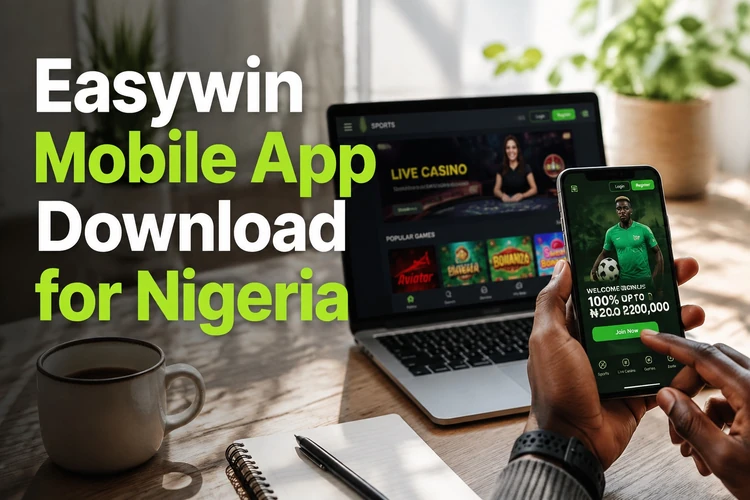
This page explains the Android download and installation process, account access, and the main mobile sections. Keep your device software current and avoid installing files forwarded through chats or obtained from unofficial file-sharing pages.
Why Choose Easywin Mobile?
The mobile interface gives direct access to an account from a home-screen icon instead of requiring a browser session each time. Menus are arranged for touch controls, while the bet slip remains available as selections are added.
Phone and tablet layouts adjust to the available screen space. On a small display, expandable menus can make it easier to focus on one sport or game category at a time. Connection quality still affects loading speed, particularly for live markets and streamed casino tables.
Easywin App Download
The application is provided as an APK, an Android Package file containing the components needed for installation. Open the official site in your phone browser, locate the app download area, and save the current file to your device.
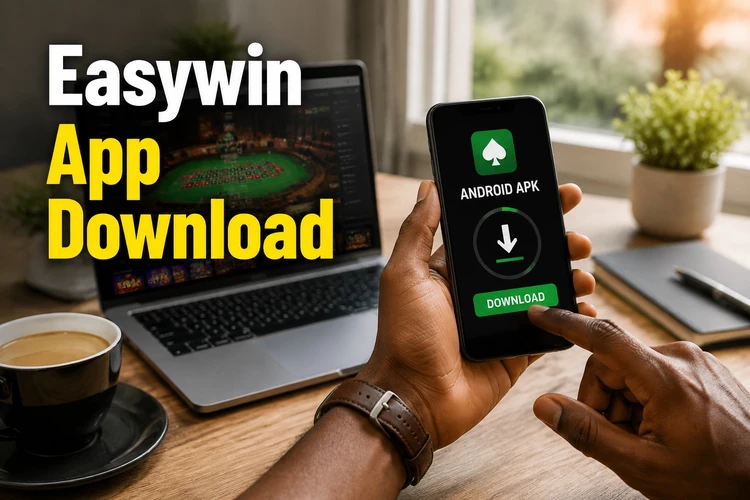
After the download finishes, the file should appear in the notification panel and Downloads folder. Check the file name and storage space before opening it. Wi-Fi can help preserve mobile data, although a reliable cellular connection may also be sufficient for a modest-sized installation file.
| Aspect | Detail |
|---|---|
| Android support | Android 5.0 and above, as stated for the app |
| Installation source | APK file obtained from the official platform |
| Storage | Leave extra space for installation and updates |
| Updates | Download the current APK when a new version is released |
Easywin APK Installation Guide
Android may ask for permission before an APK can be installed. On recent versions, this permission is normally granted to the browser or file manager that opened the download, rather than enabled for the entire device. Review the prompt carefully and disable the permission again if you no longer need it.
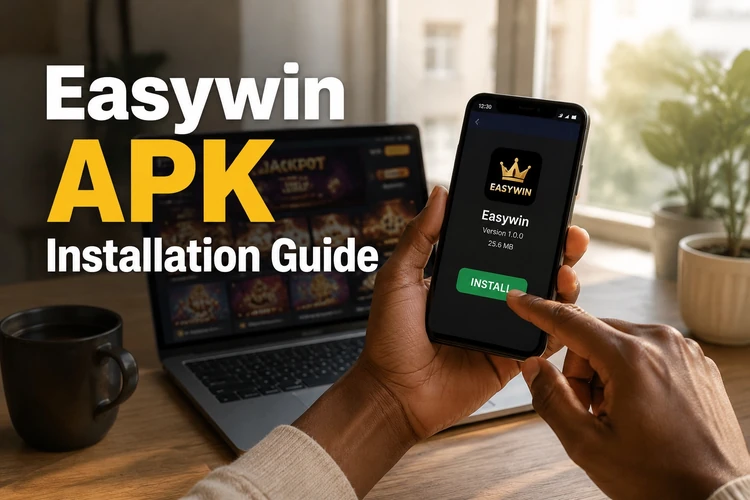
Do not grant installation permission to unfamiliar apps. If the process fails, check your Android version, available storage, and whether the download completed without interruption.
- Step 1: Open the downloaded APK from the notification panel or file manager.
- Step 2: Read the installation prompt and allow the browser or file manager to install the file if you trust the source.
- Step 3: Tap Install and wait for Android to finish.
- Step 4: Open the app from the confirmation screen or home screen.
- Step 5: Log in with your existing account credentials if you already have an account.
- Step 6: Replace the APK with a newer official version when an update is available.
Easywin Lite
Easywin Lite is presented as a streamlined option for phones with limited processing power or storage. It reduces visual extras such as background animation while keeping core account, betting, deposit, and withdrawal functions available.
A lighter version can be useful on older devices or when several apps are open. Both versions use the same account details, but actual performance depends on available memory, connection quality, and the phone's operating system.
Easywin Login Using Mobile App
Enter the username and password created at registration. Browser users can use the same credentials in the app. Avoid saving passwords on a shared device, and log out after use when someone else may access the phone.
If you cannot remember your password, use the recovery option on the login screen and follow the verification instructions sent to your registered contact method. Never share reset codes or one-time verification codes with another person.
Sports Betting
The sportsbook lists football alongside other available sports and shows pre-match and live markets. Opening a fixture reveals the odds and selection types offered for that event, which may include match result, totals, and score-related markets.

Tap an outcome to add it to the bet slip, then review the stake, odds, and potential return before confirming. Live odds can change quickly, so a selection may need to be accepted again at an updated price. Lotto markets are shown separately from the sportsbook.
Casino Games
The casino area groups titles into categories such as slots, live dealer tables, crash games, and virtual games. Live tables require a steadier connection because they use video, while slots and simpler games generally use less data.
Crash games such as Aviator use a multiplier that rises until the round ends at an unpredictable point. A cash-out made before the round ends applies the displayed multiplier; there is no way to predict when a crash will occur. Set a spending limit before playing and use only funds you can afford to lose.
Tips for Better Mobile Experience
Check for app updates through the official platform, especially if you notice errors or compatibility issues. Install the new file over the existing version only after confirming it comes from the correct source. Keep enough free storage for the download and installation.
For live betting, use a stable connection and verify that the confirmation screen appears before assuming a bet was placed. Closing unused apps can free memory on older phones. For help with limits and safer play tools, visit the responsible gambling information page.
FAQ
Open the official Easywin site in your phone browser, find the app download area, and save the APK file. Once the download finishes, open it from the notification panel or Downloads folder.
The app is stated to support Android 5.0 and above. Check that your device has sufficient free storage and that the downloaded file completed correctly before installation.
Easywin Lite is a lower-resource version intended for devices with limited storage or processing power. It reduces visual extras while retaining core account, betting, deposit, and withdrawal functions.
Open the app and enter the username and password used for registration. The same credentials used in a browser should work in the app; use the password-recovery option if you cannot access your account.
Aviator is listed in the crash games section. Its multiplier rises until the round ends unpredictably, so any cash-out must be made before the crash; outcomes cannot be predicted.
Check the official platform for a newer APK version. Download the current file and install it over the existing app after confirming the source. Keep enough storage available and avoid deleting the old app unless the installation instructions require it.